Stories - Overview
The Create Your Story allows you to share photos and videos that disappear from your profile and feed after 24 hours, unless you add them to your profile as story highlights.
They appear in a vertical format and are fast, memorable, and entertaining for your fans.
In Stories you can advertise your latest projects, latest updates, upcoming Go LIVE or ONE on ONES or any new updates on your profile.
Stories are also a great way to be discovered by new fans.
- To Add a story, go to your profile Timeline
- Stories are located at the top left of your timeline. Simply click on the + Create Your Story section
- Select media from one of the 3 following options:
Browse (your computer or a hard drive)
Media Cloud (Your LoyalFans Cloud)
Camera (straight from your mobile or computer)

Select the Video or photo you want to include in your story
Your media will be processed and displayed in a window where you will find the following options:
- Crop the image or video.
- Add text to it and format the text in different styles
- Add Emojis or Stickers
- Add a color overlay
- or delete.
Then click on the SAVE red button at the bottom to post your story. Your story will be reviewed by our team and posted in your story's timeline.

Once your story has been posted and is live for fans, a red ring will appear around your avatar letting your fans know that a new story is available. Click on Avatar from your profile and select “view story” to the stories posted in the last 24 hours.


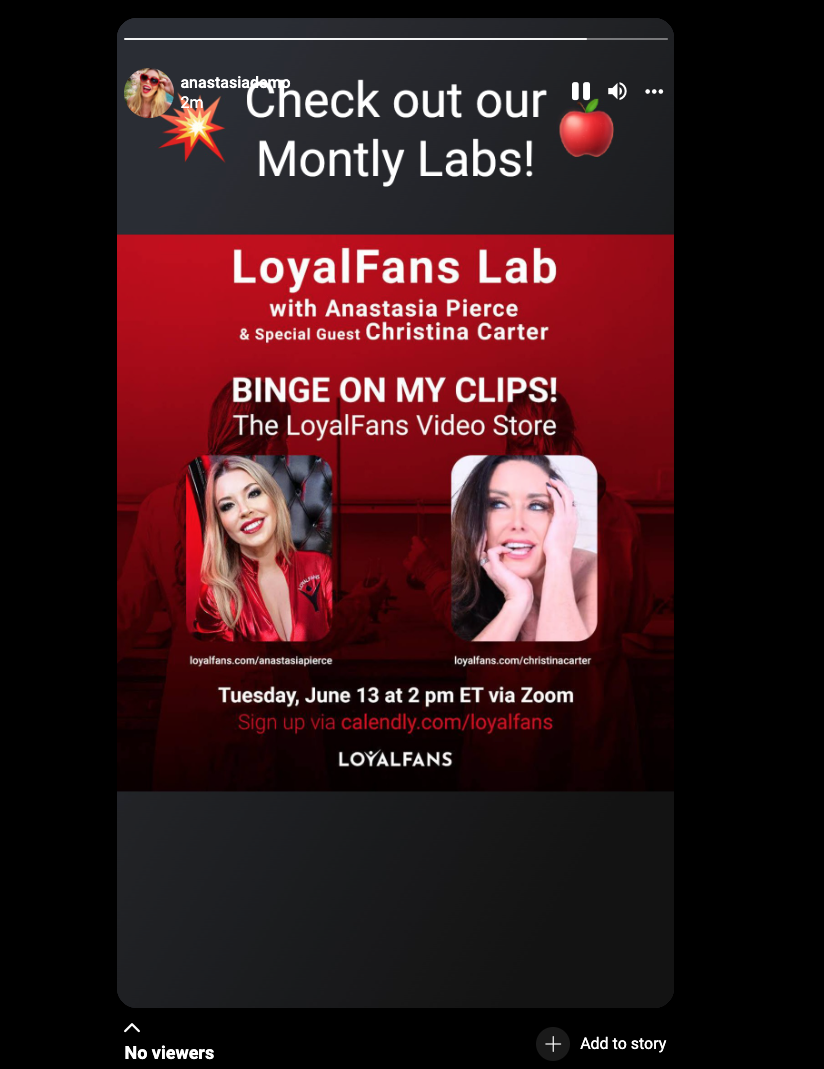
You can also add any story from your timeline as a highlight so this/these stories will stay permanently on your profile.

To add Highlights click on the circle + NEW and select the highlight you would like to add to your story. Then Click on next, enter the Title of the Highlight in the field and click on the SAVE button at the bottom. This highlight will now permanently display on your profile. These highlights can be deleted at a later date if desired.


